
Picture this: You're on a video call with a client in New York, your laptop tethered to your phone, sitting in a co-working space in Bangkok. The call drops. Your data runs out. You scramble for Wi-Fi passwords while your client waits. If you're a digital nomad, you've lived some version of this nightmare.
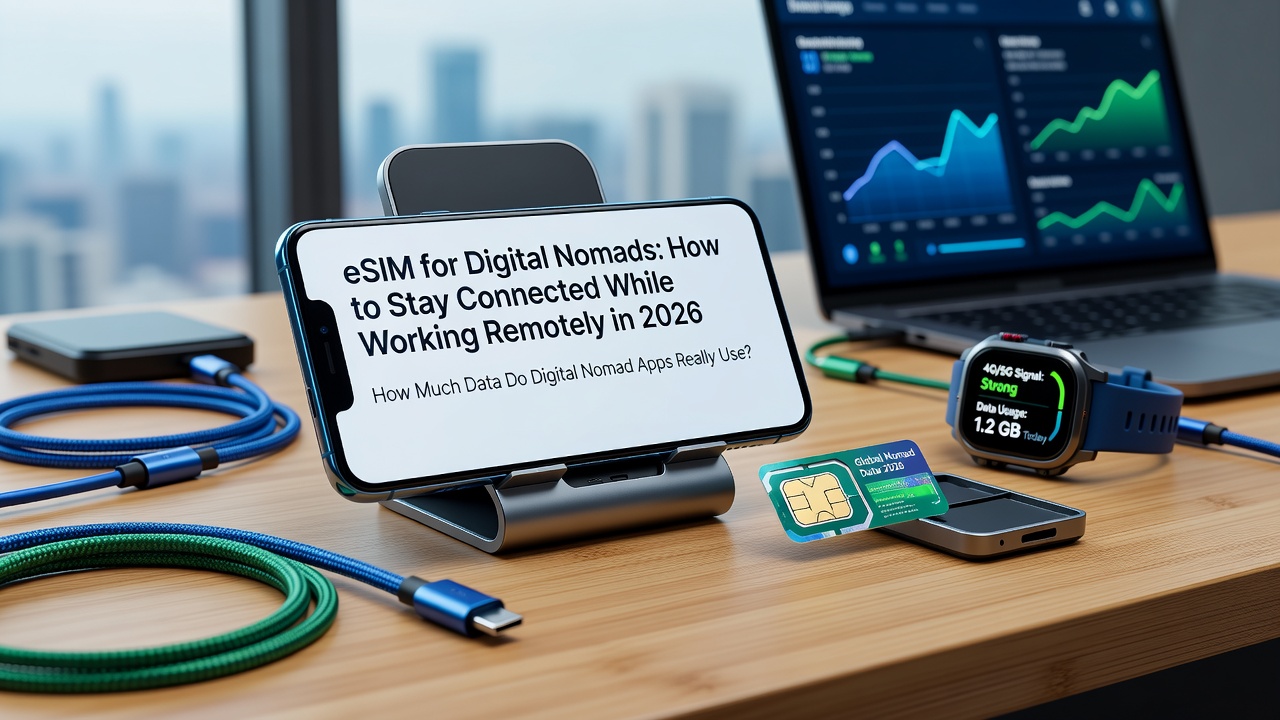
In 2026, reliable connectivity isn't a luxury — it's the foundation of your career. An eSIM digital nomad setup can mean the difference between closing a deal from a beachside café in Bali and losing a client because your connection failed. This guide covers everything you need to know: how much data your work apps actually consume, how to budget for it, and why iWanteSIM's regional and global plans are purpose-built for the nomadic lifestyle.
How Much Data Do Digital Nomad Apps Really Use?
Before you pick a plan, you need to understand your burn rate. Here are the real numbers for the apps that power remote work in 2026:
Video Calls: The Data Hungry Beast
Video conferencing is the single biggest data drain for most nomads. Here's what each platform consumes per hour at standard quality:
- Zoom: 1.1 GB/hour (HD video, one-on-one calls). Group calls with multiple video streams can push this to 1.5–2.0 GB/hour.
- Google Meet: 1.2 GB/hour (HD quality). Google Meet's adaptive bitrate means it can drop to ~0.6 GB/hour on slower connections, but at full HD you're looking at 1.2 GB.
- Microsoft Teams: 1.0–1.5 GB/hour depending on screen sharing and participant count.
If you're on 3–4 hours of video calls per day, that's 3.3–4.8 GB just for meetings. Over a 20-working-day month, video calls alone can consume 66–96 GB.
Messaging & Collaboration: The Silent Consumers
- Slack: Surprisingly minimal for text — roughly 50–100 MB per day with heavy use (messages, file previews, emoji reactions). But Slack Huddles (voice/video) add 0.5–0.8 GB/hour.
- WhatsApp / Telegram / Signal: Text messaging is negligible (~5–10 MB/day). Voice calls consume ~0.3 GB/hour, video calls ~0.5 GB/hour.
- Email (Gmail/Outlook): ~10–30 MB/day for text-heavy email. Attachments change the game — downloading a 10 MB PDF 20 times a day adds 200 MB.
Everything Else: Browsing, Streaming, Cloud Sync
- Web browsing: ~60–150 MB/hour (research-heavy work with multiple tabs).
- Streaming (YouTube/Netflix): 1–3 GB/hour at HD, 3–7 GB/hour at 4K. A single hour of Netflix after work can blow through a day's data budget.
- Cloud sync (Google Drive, Dropbox, iCloud): Highly variable. A designer syncing Figma files might burn 2–5 GB/day. A writer syncing Google Docs? Maybe 50 MB.
- Spotify / Apple Music: ~40–70 MB/hour for streaming.
- Google Maps / navigation: ~5–10 MB/hour with offline maps pre-downloaded; ~50 MB/hour without.
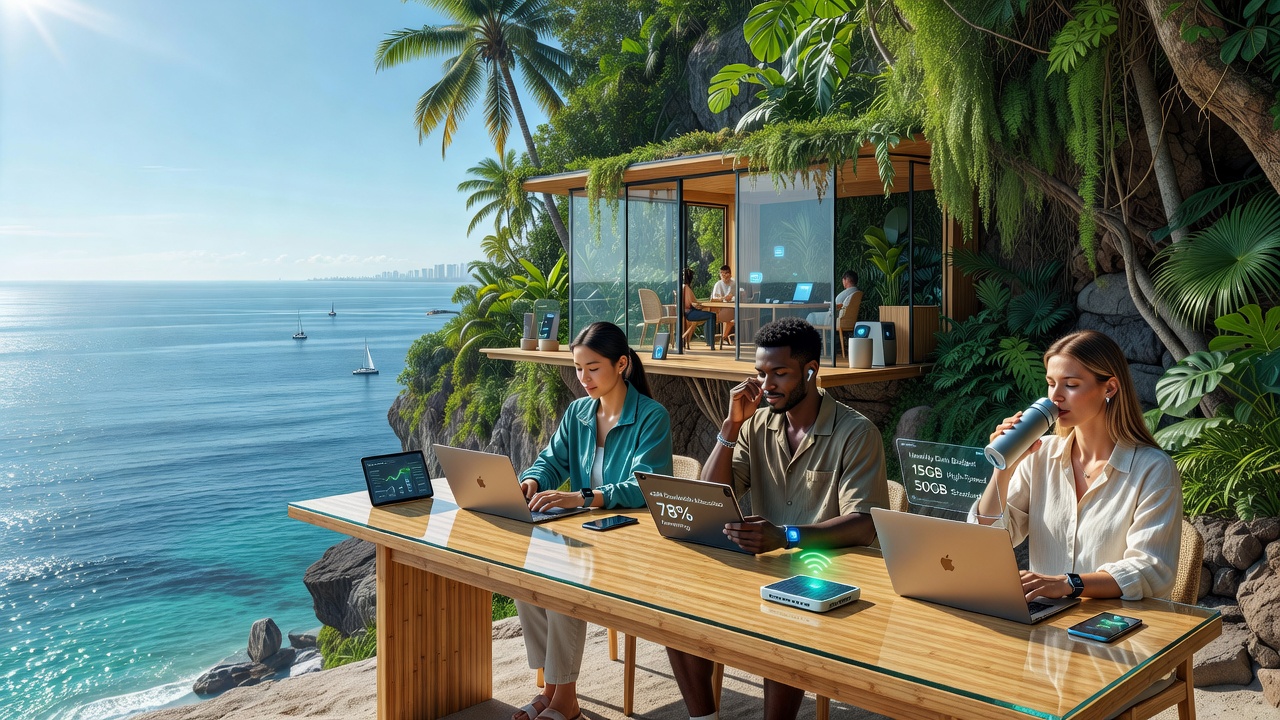
Monthly Data Budget Recommendations for Digital Nomads
Based on the usage patterns above, here are tiered monthly data budgets for 2026:
| User Type | Monthly Data | Typical Profile |
|---|---|---|
| Light User | 5–10 GB | Mostly async work (email, Slack, docs). 1–2 short video calls/week. Uses Wi-Fi at accommodations and cafés. Streams sparingly on mobile data. |
| Medium User | 15–25 GB | 2–3 hours of video calls/week. Regular cloud sync. Some mobile hotspot use for laptop. Occasional streaming. This is the sweet spot for most nomads. |
| Heavy User | 30–50 GB | Daily video calls (3–4 hours). Heavy cloud sync (design files, video). Frequent hotspot/tethering. Streams content regularly. Relies on mobile data as primary connection. |
| Power User | 50–100+ GB | Video editor, developer syncing large repos, or someone who tethers everything through their phone. Needs unlimited or very high-cap plans. |
Pro tip: Most nomads overestimate their data needs. Track your actual usage for one month using your phone's built-in data tracker — you might be surprised. The average digital nomad falls squarely in the 15–25 GB range when they're intentional about using Wi-Fi for heavy downloads and streaming.
Hotspot & Tethering: Your Laptop's Lifeline
For digital nomads, hotspot capability isn't optional — it's essential. When co-working space Wi-Fi fails or your Airbnb's router is from 2012, your phone becomes your primary internet connection.
What to Look for in a Tethering-Friendly eSIM Plan
- Full-speed hotspot: Some carriers throttle hotspot data to 3G speeds even when you have 5G on-device. iWanteSIM plans support full-speed personal hotspot on all compatible devices — your laptop gets the same 4G/5G speeds your phone does.
- No artificial hotspot caps: Many traditional carriers limit hotspot usage to 5–10 GB even on "unlimited" plans. iWanteSIM's data allowances apply to all usage — on-device or tethered — with no separate hotspot cap.
- Multi-device support: Modern eSIM-compatible phones (iPhone XS and newer, Samsung Galaxy S20+, Google Pixel 3+) support dual SIM with one eSIM active for data while keeping your home SIM for calls and texts.
Hotspot Data Consumption Reality Check
Tethering your laptop to your phone means all your laptop's data flows through your eSIM plan. A typical workday tethered to your phone might look like:
- 2 hours of web browsing/research: ~200 MB
- 1 hour of video calls: ~1.1 GB
- Slack/email all day: ~100 MB
- Cloud sync (docs, small files): ~200 MB
- Daily total: ~1.6 GB
Over a month, that's ~35 GB just for work — before any personal use. This is why choosing a plan with generous data and full tethering support matters.
Regional vs. Global eSIM: The Cost Analysis Every Nomad Needs
Here's the question that separates savvy nomads from overspenders: should you buy regional eSIMs for each continent, or one global plan for everything?
Let's run the numbers on a realistic 2026 nomad route: Bangkok → Bali → Tokyo → Lisbon (one month each).
Option A: Regional eSIMs (iWanteSIM Asia + Europe Plans)
| Leg | Plan | Data | Validity | Est. Cost |
|---|---|---|---|---|
| Bangkok (Thailand) | iWanteSIM Asia Regional (15 GB) | 15 GB | 30 days | $12.00 |
| Bali (Indonesia) | Covered by same Asia plan | — | — | $0 (included) |
| Tokyo (Japan) | iWanteSIM Asia Regional (15 GB) | 15 GB | 30 days | $12.00 |
| Lisbon (Portugal) | iWanteSIM Europe Regional (20 GB) | 20 GB | 30 days | $15.00 |
| Total (4 months) | $39.00 | |||
Cost per GB: ~$0.60/GB across 65 GB total. Exceptional value.
Option B: Single Global eSIM (iWanteSIM Global Plan)
| Plan | Data | Validity | Est. Cost |
|---|---|---|---|
| iWanteSIM Global (20 GB) | 20 GB | 30 days | $25.00 |
| × 4 months | 80 GB total | 120 days | $100.00 |
Cost per GB: ~$1.25/GB. Convenient, but 2× the price.
The Verdict: Regional Wins for Cost, Global Wins for Flexibility
For the Bangkok→Bali→Tokyo→Lisbon route, regional eSIMs save you ~$61 (61%) compared to a global plan. That's real money — enough for a flight from Tokyo to Lisbon or a month of co-working space.
But here's the nuance: the global plan eliminates the friction of switching eSIMs mid-journey. If your route changes unexpectedly (a common nomad reality), a global plan covers you without needing to buy a new eSIM. The smart strategy? Use regional plans as your primary data source and keep a global plan as backup.
Why iWanteSIM Is the Best eSIM Digital Nomad Solution in 2026
After analyzing the market, iWanteSIM stands out for nomads in three critical ways:
1. Regional Plans That Match Nomad Routes
iWanteSIM's Asia Regional plan covers Thailand, Indonesia, Japan, Vietnam, Singapore, Malaysia, South Korea, and 15+ more Asian countries — perfect for the Southeast Asia → East Asia corridor that dominates nomad itineraries. Plans start from just $1.00 with flexible data tiers (1 GB to 50 GB) and validity from 7 to 30 days.
The Europe Regional plan covers all 27 EU countries plus the UK, Switzerland, and Norway — seamless connectivity from Lisbon to Ljubljana without buying a new SIM at every border. With 4G/5G speeds on premium local networks, you're getting the same quality as a local SIM without the paperwork.
2. Global Coverage as Your Ultimate Backup
iWanteSIM's Global plan covers 200+ countries — the safety net every nomad needs. When your plans change (and they will), when you take a last-minute trip to a country not in your regional plan, or when you're in transit through an unexpected airport, the global plan has you covered. It's the connectivity equivalent of travel insurance: you hope you don't need it, but you're grateful when you do.
3. Nomad-Friendly Features
- Instant activation: QR code delivered immediately after purchase. Scan, install, connect — all before you leave the airport Wi-Fi.
- Full-speed hotspot/tethering: No throttling, no separate caps. Your laptop gets the same speeds as your phone.
- Dual SIM support: Keep your home number active on your physical SIM while iWanteSIM handles data. Family can still reach you on your regular number.
- Easy top-ups: Running low? Add data through your account dashboard in seconds. No need to buy a whole new plan.
- 24/7 support: Connectivity problems don't respect business hours. iWanteSIM's support team is available around the clock via live chat, email, and phone.
- 4.9/5 rating from 12,400+ travelers: Real nomads, real reviews, real reliability.
Border-Crossing Connectivity: Tips for Seamless Transitions
Crossing borders as a digital nomad introduces unique connectivity challenges. Here's how to handle them like a pro:
1. Activate After Landing (Not Before)
iWanteSIM recommends activating your eSIM after landing at your destination using airport or accommodation Wi-Fi. This ensures the eSIM provisions correctly on the local network. Pro tip: download your eSIM QR code before you leave — save it to your phone's photos or a cloud folder so you're not hunting for it at 2 AM in a new country.
2. Keep Your Home SIM Active (Dual SIM Strategy)
Modern eSIM phones support dual SIM: one physical, one eSIM. Set your iWanteSIM eSIM as the primary data line and keep your home SIM active for calls and SMS. This way you receive 2FA codes from your bank without paying roaming fees. Configure your phone to use the eSIM for data and the physical SIM for voice/SMS only.
3. Always Have a Backup Connection
The golden rule of nomad connectivity: never rely on a single connection for critical work. Your backup stack should include:
- Primary: iWanteSIM regional eSIM (best value for your current continent)
- Backup 1: iWanteSIM global eSIM (covers unexpected country changes)
- Backup 2: Offline-ready work setup (downloaded docs, offline Google Drive files, pre-recorded presentation backups)
- Emergency: Know where the nearest co-working space or café with reliable Wi-Fi is in every city you visit
4. Understand Network Switching
iWanteSIM partners with multiple premium local carriers in each country. If one network is slow, you can manually switch to another in your phone's settings. In some countries, iWanteSIM automatically connects you to the strongest available signal. Check your coverage details before traveling to know which networks are available at your destination.
5. Local Registration Requirements
Some countries (notably India, Turkey, and China) require foreign devices to be registered for long-term use or have restrictions on eSIM availability for tourists. Always check local regulations before committing to a long stay. For most nomad-favorite destinations (Thailand, Indonesia, Japan, Portugal, Mexico, Colombia), eSIM activation is straightforward with no registration hurdles.
6. Time Your Plan Purchases Strategically
Don't buy a 30-day plan if you're only staying 22 days — but also don't cut it so close that you run out on day 29. iWanteSIM offers flexible validity periods (7, 15, and 30 days) so you can match your plan to your actual itinerary. For multi-country hops within a region, the 30-day regional plan is almost always the best value.
The Bottom Line: Your 2026 Nomad Connectivity Stack
After analyzing the data, running the numbers, and factoring in real nomad behavior, here's the optimal setup:
- Primary data: iWanteSIM regional plan for your current continent (Asia: ~$12/15GB/30 days; Europe: ~$15/20GB/30 days). Best cost-per-GB, full-speed hotspot, instant activation.
- Backup coverage: iWanteSIM global plan with a small data allowance (~$10–15 for 3–5 GB). Peace of mind for border crossings, unexpected detours, and transit days.
- Home SIM: Keep it active for 2FA and calls. Set to voice/SMS only — no data roaming.
- Offline fallback: Pre-download critical work files, offline maps, and a few Netflix episodes for the days when everything fails (it happens).
Total monthly connectivity cost: $15–30/month for reliable, high-speed internet across 200+ countries. Compare that to $50–100/month for traditional international roaming, or the productivity cost of hunting for Wi-Fi every time you move cities.
The digital nomad lifestyle is about freedom — freedom to work from anywhere, on your terms. But that freedom depends on one thing: staying connected. With iWanteSIM's regional plans for cost-effective daily use and global coverage as your safety net, you can focus on your work, not your connection.
Ready to upgrade your nomad connectivity? Browse iWanteSIM's regional and global eSIM plans — instant delivery, 200+ countries, plans from $1.00. Your next video call deserves a connection that won't drop.