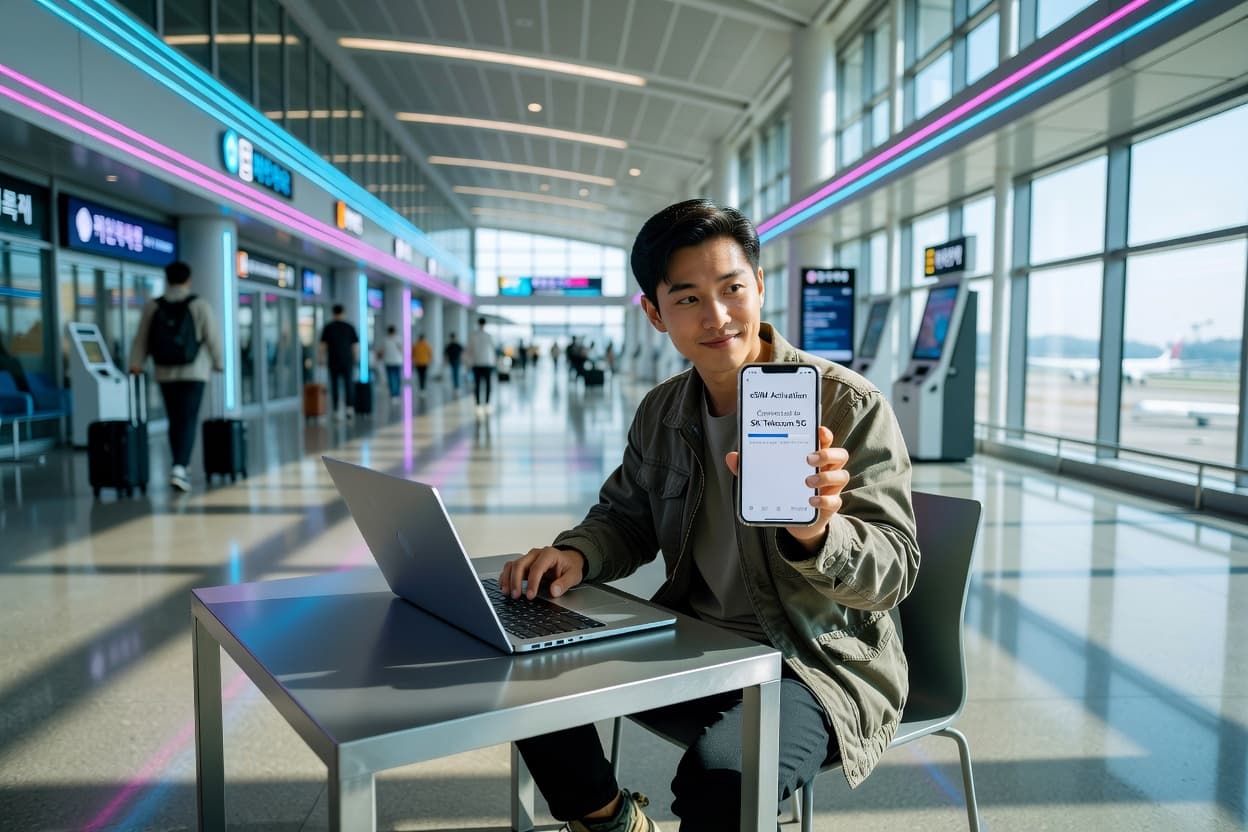
South Korea is one of the most connected countries on earth — blazing-fast 5G, ubiquitous Wi-Fi, and mobile infrastructure that makes most other nations look sluggish. But as a visitor, you still need a way to get online the moment you land at Incheon without paying outrageous roaming fees. A travel eSIM is the answer. In this guide, we compare the best eSIM options for South Korea in 2026, break down the network landscape, and walk you through everything you need to know about eSIM activation, mobile data abroad, and travel connectivity for your Korea trip.
Why South Korea Is a Connectivity Dream — With a Catch
South Korea consistently ranks among the top countries globally for mobile internet speed and coverage. The country launched 5G in 2019 and has been expanding it aggressively since. For travelers, this means you can expect exceptional data speeds in cities and towns across the country.
But here's the catch: getting a local SIM as a tourist has traditionally been a hassle. You'd need to visit a carrier store at the airport, show your passport, navigate Korean-language menus, and wait. A travel eSIM eliminates all of that — you buy online, install before you fly, and connect automatically on arrival. Whether you're coming from the US, EU, or elsewhere in Asia — say, Japan — an international eSIM is the smartest way to stay connected.
South Korea's Mobile Networks: What Travelers Need to Know
South Korea has three major mobile carriers:
- SK Telecom: The largest carrier with the widest coverage and fastest 5G rollout. Covers 99% of the population with 5G and LTE. If you want the best network in Korea, SK Telecom is it.
- KT (Korea Telecom): The second-largest carrier. Excellent urban coverage, competitive 5G speeds, and strong coverage on Jeju Island. KT's 5G network is nearly on par with SK Telecom in major cities.
- LG U+ (LG Uplus): The third carrier. Slightly smaller network but still covers 98%+ of populated areas. Often offers competitive data packages.
Coverage Across Korea's Key Destinations
Here's what coverage looks like in the places travelers actually go:
- Seoul (Incheon, Gangnam, Hongdae, Itaewon, Myeongdong): Full 5G on all carriers. Speeds of 300 Mbps–1 Gbps on 5G. Perfect coverage everywhere.
- Busan (Haeundae, Seomyeon, Gwangalli): Full 5G and LTE. Excellent speeds and reliability.
- Jeju Island: Strong LTE and expanding 5G coverage. KT has particularly good coverage on Jeju. Coverage is excellent in Jeju City and Seogwipo; some gaps on remote hiking trails like Hallasan.
- Gyeongju, Daegu, Daejeon, Gwangju: Full 5G and LTE in city centers. Reliable coverage on major highways connecting these cities.
- Rural and mountain areas (Seoraksan, Jirisan, Pyeongchang): LTE coverage in most areas, occasional gaps in deep mountain valleys. Download offline maps before hiking.
iWanteSIM South Korea plans connect to the strongest available network, so you automatically get the best coverage wherever you are. For broader regional coverage, check our Asia eSIM plans.
iWanteSIM South Korea Plans: Pricing and Features
iWanteSIM offers dedicated South Korea eSIM plans with transparent pricing in USD and no hidden charges. These are among the best eSIM plans available for Korea travel.
Available Plans
- 1 GB / 7 Days — $4.50 — Light use: messaging, maps, occasional browsing. Perfect for a short Seoul weekend.
- 3 GB / 15 Days — $11.90 — Good for a 1–2 week trip with daily navigation, social media, and KakaoTalk messaging.
- 5 GB / 15 Days — $18.50 — Comfortable for a 2-week trip with regular photo uploads, streaming, and maps.
- 10 GB / 30 Days — $32.90 — Best value for 3–4 week trips. Plenty for navigation, streaming, video calls, and social media.
- Unlimited / 30 Days — $49.90 — Ideal for digital nomads and remote workers spending a month or more in Korea.
All plans include instant activation via QR code, high-speed 4G/5G data where available, and connect to SK Telecom and KT networks for maximum coverage. Browse all eSIM plans to find cheap eSIM options for any budget. Looking for a global esim that covers multiple countries? iWanteSIM has you covered with 200+ destinations.
How iWanteSIM Compares to Other eSIM Providers for Korea
Let's look at how iWanteSIM stacks up against the main competitors for South Korea travel. An honest esim comparison matters more than marketing claims.
Plan Comparison: iWanteSIM vs. Airalo vs. Nomad vs. Holafly
- iWanteSIM Korea (1 GB / 7 days): $4.50 — QR code activation, no app required
- Airalo Korea (1 GB / 7 days): ~$4.50 — similar pricing, app-based activation
- Nomad Korea (1 GB / 7 days): ~$5.00 — slightly more expensive, app required
- Holafly Korea (unlimited / 30 days): ~$54.00 — unlimited data, but no small-plan options
- iWanteSIM Korea (10 GB / 30 days): $32.90 — best value for longer trips
- Airalo Korea (10 GB / 30 days): ~$37.00 — comparable but pricier
- Nomad Korea (10 GB / 30 days): ~$35.00 — similar to iWanteSIM
- Holafly Korea (unlimited / 30 days): ~$54.00 — good for heavy users, premium price
For a deeper comparison, check out our detailed breakdowns: iWanteSIM vs. Airalo, iWanteSIM vs. Nomad, and iWanteSIM vs. Holafly. Looking for an Airalo alternative or a Nomad alternative? iWanteSIM matches or beats both on price for Korea plans.
Key Differences at a Glance
- Price: iWanteSIM is consistently among the most affordable. Nomad is close; Airalo is slightly more expensive on larger plans; Holafly is the most expensive but offers truly unlimited data.
- Plan variety: iWanteSIM offers 5 tiers (1 GB to unlimited); Holafly only offers unlimited; Airalo and Nomad offer 3–4 tiers.
- Activation: iWanteSIM uses simple QR code activation — no app download needed. Airalo and Nomad require their respective apps.
- Network quality: All providers connect to the same major Korean networks (SK Telecom, KT). Coverage is effectively the same across providers.
- Customer reviews: iWanteSIM maintains a 4.9/5 rating from 12,000+ travelers. Check our reviews page for real traveler feedback.
Setting Up Your eSIM for South Korea: Step-by-Step
Getting connected in South Korea is straightforward. This esim guide walks you through every step. Whether you're weighing esim vs physical sim options or just want the simplest setup, follow these steps.
Step 1: Check Your Phone Is eSIM-Compatible
Most phones from 2020 onward support eSIM. Compatible models include:
- iPhone XS, XR, and newer (including SE 2nd gen and all iPhone 13–16 models)
- Samsung Galaxy S20 and newer (Galaxy phones are popular in Korea — full eSIM support)
- Google Pixel 3 and newer
- Many Motorola, OnePlus, and Sony models from 2021+
Check the full compatibility list on our supported devices page. If you're new to eSIM, our What is an eSIM guide explains the basics.
Step 2: Buy and Install Before You Fly
Purchase your iWanteSIM plan at iwantesim.com/south-korea-esim. You'll receive a QR code by email within minutes. Scan it to install the eSIM profile:
- iOS: Settings → Cellular → Add eSIM → scan QR code
- Android: Settings → Network & Internet → SIMs → Add a SIM → scan QR code
The full process is documented in our eSIM activation guide. Installing before departure means you're connected the moment your plane lands at Incheon.
Step 3: Enable Data Roaming on Arrival
Once you land in Korea, turn on the eSIM line and enable data roaming:
- iOS: Settings → Cellular → [eSIM line] → Data Roaming ON
- Android: Settings → Network & Internet → SIMs → [eSIM] → Roaming ON
Your phone connects to SK Telecom or KT automatically — whichever has the strongest signal. You're online instantly. Say goodbye to expensive roaming charges.
Step 4: Download Essential Korea Apps
With your eSIM data active, download these apps that you'll use daily in Korea:
- KakaoTalk: Korea's everything app — messaging, payments, taxi calling. Most Koreans use it instead of WhatsApp. Works perfectly on your travel eSIM data connection.
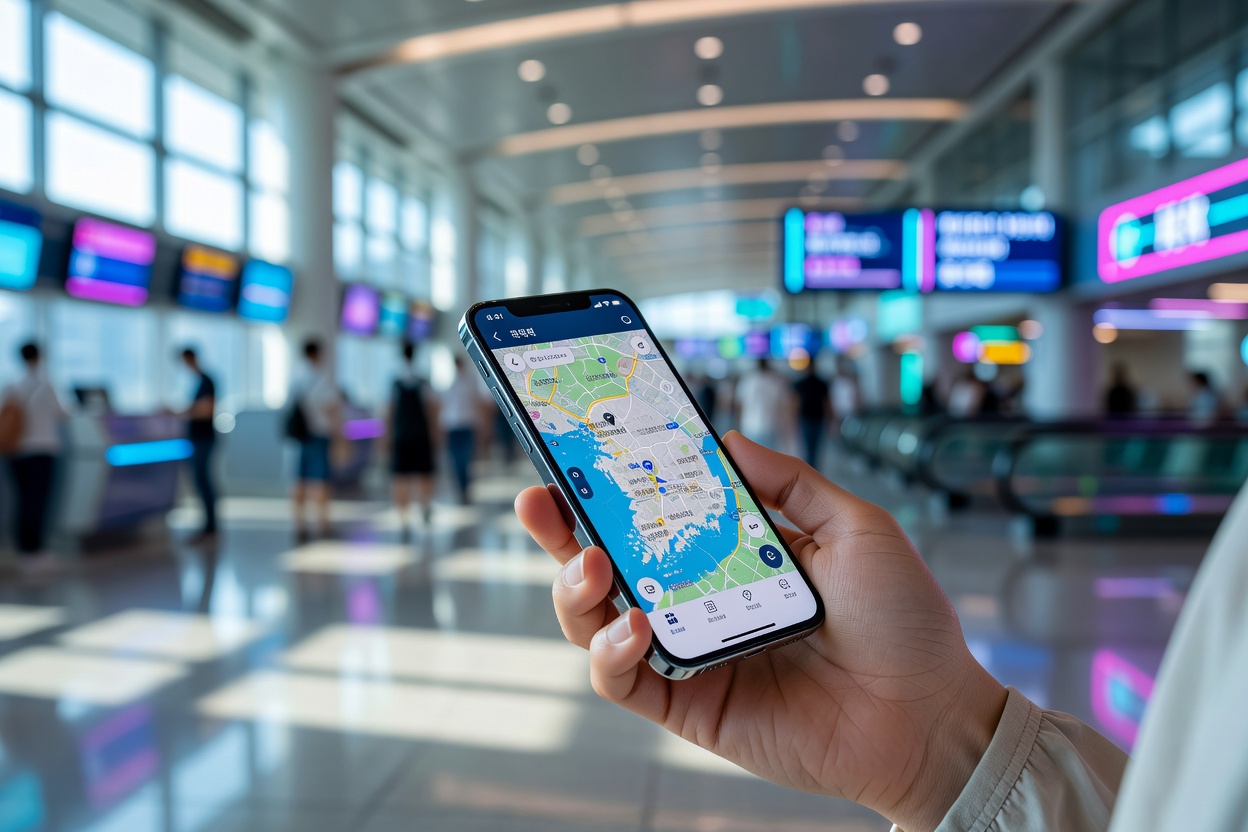
- Naver Map: Google Maps has limited functionality in Korea due to data restrictions. Naver Map is the local equivalent and far more accurate for Korean addresses and transit.
- KakaoMap: Another excellent navigation app, particularly good for public transit directions.
- Papago: Naver's translation app — excellent for Korean-English translation. Works offline once you download language packs.
- Korail Talk: For booking KTX high-speed train tickets between Seoul, Busan, and other cities.
Traveler Pain Points: Solved
Cost
International roaming from major US carriers typically costs $10–$15 per day. For a 10-day Korea trip, that's $100–$150 just for data. An iWanteSIM 5 GB plan at $18.50 covers the same trip for a fraction of the cost — that is real travel data savings. Even the unlimited plan at $49.90 for 30 days is cheaper than five days of carrier roaming. Looking for cheap eSIM plans? iWanteSIM's Korea pricing starts at just $4.50.
Coverage Outside Seoul
Many travelers worry about coverage once they leave Seoul. Good news: South Korea's networks are excellent nationwide. Busan, Jeju, Gyeongju, Daegu, and Gwangju all have full 5G and LTE coverage. The KTX train route from Seoul to Busan has continuous coverage for the entire 2.5-hour journey. On Jeju Island, coverage is strong in Jeju City, Seogwipo, and along the coastal ring road. Deep mountain trails on Hallasan may have gaps — download offline maps before hiking.
Speed
South Korea has some of the fastest mobile data speeds in the world. Expect 5G speeds of 300 Mbps–1 Gbps in Seoul, Busan, and other major cities. On LTE, speeds typically range from 50–150 Mbps. Even in rural areas, LTE speeds of 20–50 Mbps are common. Video calls, 4K streaming, and large downloads all work seamlessly on Korean networks.
Setup Ease
iWanteSIM's QR code activation is one of the simplest options available. No app to download (unlike Airalo and Nomad), no account to create. Buy → scan → connected. Most travelers are set up in under 5 minutes. For mobile data abroad, it doesn't get easier than QR code activation.
KakaoTalk and Local Apps
A common concern: will KakaoTalk and other Korean apps work with a foreign eSIM? Yes. All apps — Korean or international — work over any data connection, including your travel eSIM. KakaoTalk, Naver Map, Papago, Korail Talk, and every other app you need will function seamlessly on your eSIM data. You do not need a Korean phone number to use KakaoTalk — you register with your home number, and it works over data.
Planning a Multi-Country Asia Trip?
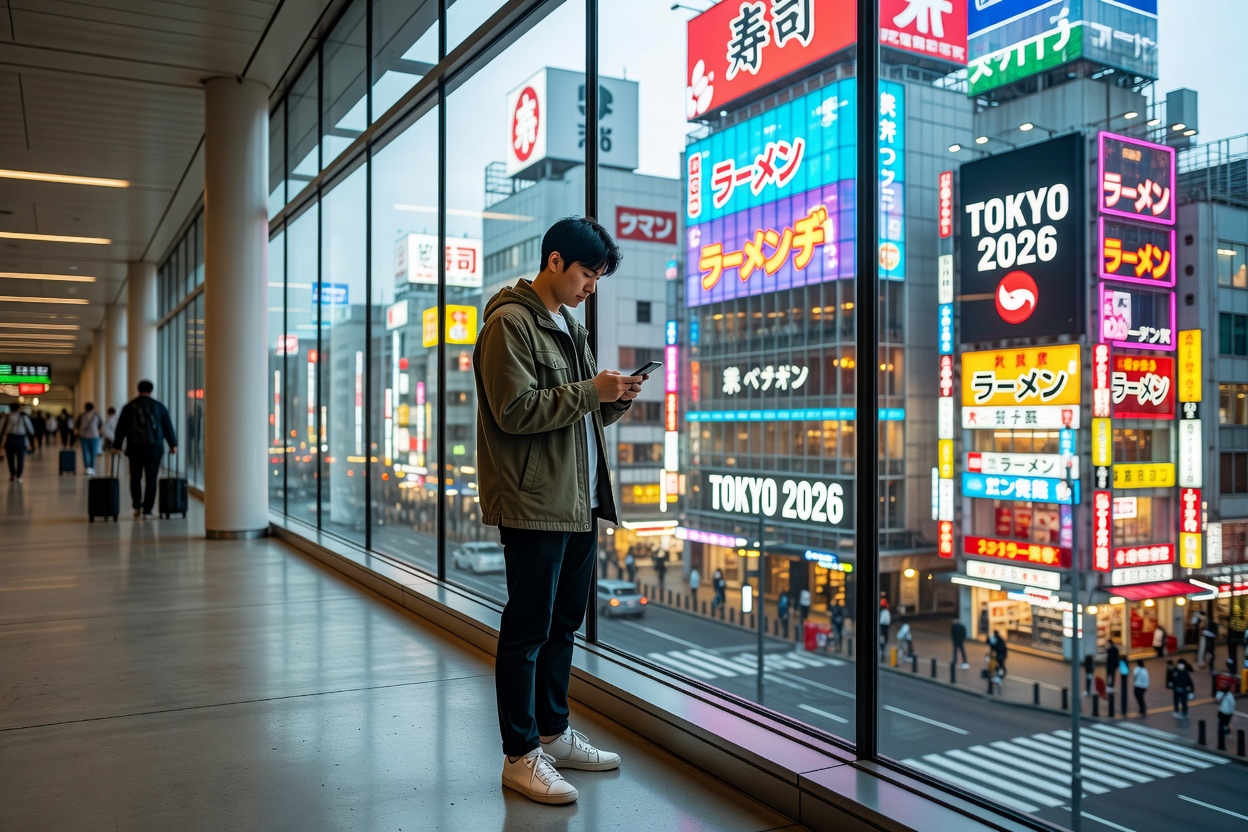
If your South Korea trip includes stops in Japan, Thailand, Vietnam, or other Asian countries, consider a global eSIM plan instead of a country-specific one. Global plans cover 200+ countries in a single package, so you don't need to buy separate eSIMs for each destination. If you're heading to Europe afterward, grab a Europe eSIM plan in advance.
FAQ: South Korea eSIM Questions
Does an eSIM work on Jeju Island?
Yes. Jeju has excellent LTE coverage and expanding 5G. All three Korean carriers (SK Telecom, KT, LG U+) cover Jeju City, Seogwipo, and the coastal ring road. iWanteSIM plans connect to these networks automatically. Some remote hiking trails on Hallasan may have gaps — download offline maps before heading out.
Do I need a Korean phone number to use KakaoTalk?
No. KakaoTalk works over any data connection, including your travel eSIM. You register with your home phone number (one-time verification), and after that, KakaoTalk works entirely over data — no Korean number needed. The same applies to Naver Map, Papago, and all other Korean apps.
Will my iPhone work with a Korea eSIM?
Yes. All iPhones from the XS/XR onwards support eSIM and work with iWanteSIM plans in Korea. Samsung Galaxy phones (S20 and newer) also work perfectly — fittingly, since Samsung is a Korean company. Check our supported devices page for the full compatibility list.
Is a travel eSIM better than buying a local SIM in Korea?
For most travelers, yes. A local SIM from SK Telecom or KT requires visiting a store, showing your passport, and navigating plan options in Korean. A travel eSIM is purchased online, installed before you fly, and works immediately on arrival. For trips under 30 days, the convenience and price are hard to beat. For longer stays, a local SIM may offer better per-GB value.
Can I use my eSIM on the KTX train?
Yes. The KTX route from Seoul to Busan has continuous LTE and 5G coverage for the entire journey. You'll have uninterrupted data for streaming, browsing, and navigation while traveling at 300 km/h.
What happens if I run out of data in Korea?
You can purchase additional plans or top-ups from iWanteSIM at any time. Since purchases require internet access, we recommend buying a slightly larger plan than you think you need, or using free Wi-Fi at your hotel or a cafe to purchase a top-up. Korea has extensive free Wi-Fi in cafes, restaurants, and public areas. For more tips, visit our FAQ page.
Tips for Staying Connected in South Korea
- Use Naver Map instead of Google Maps: Google Maps has limited functionality in Korea due to local data restrictions. Naver Map is more accurate for Korean addresses, transit, and driving directions.
- Download Papago for translation: It's better than Google Translate for Korean-specific phrases and works offline once you download language packs.
- Carry a portable charger: Korea's fast networks encourage heavy data use. A 10,000+ mAh power bank keeps you going all day.
- Take advantage of free Wi-Fi: Korea has extensive free public Wi-Fi in cafes, restaurants, subway stations, and even many street corners. Save your mobile data for when you really need it.
- Use dual SIM wisely: Keep your home SIM for calls and SMS verification, use your eSIM for data. This way, 2FA codes still come through.
South Korea is an incredible destination — from the palaces of Seoul to the beaches of Busan, from the volcanic landscapes of Jeju to the ancient tombs of Gyeongju. Don't let connectivity stress ruin your trip. With an iWanteSIM South Korea eSIM, you'll have reliable data from Incheon to Jeju, all for a fraction of what your home carrier charges. Browse South Korea eSIM plans and get ready for your adventure. For more travel connectivity tips, check our eSIM guides and our FAQ page.