Travel Without Roaming Fees: 5 Ways to Stay Connected Abroad in 2026
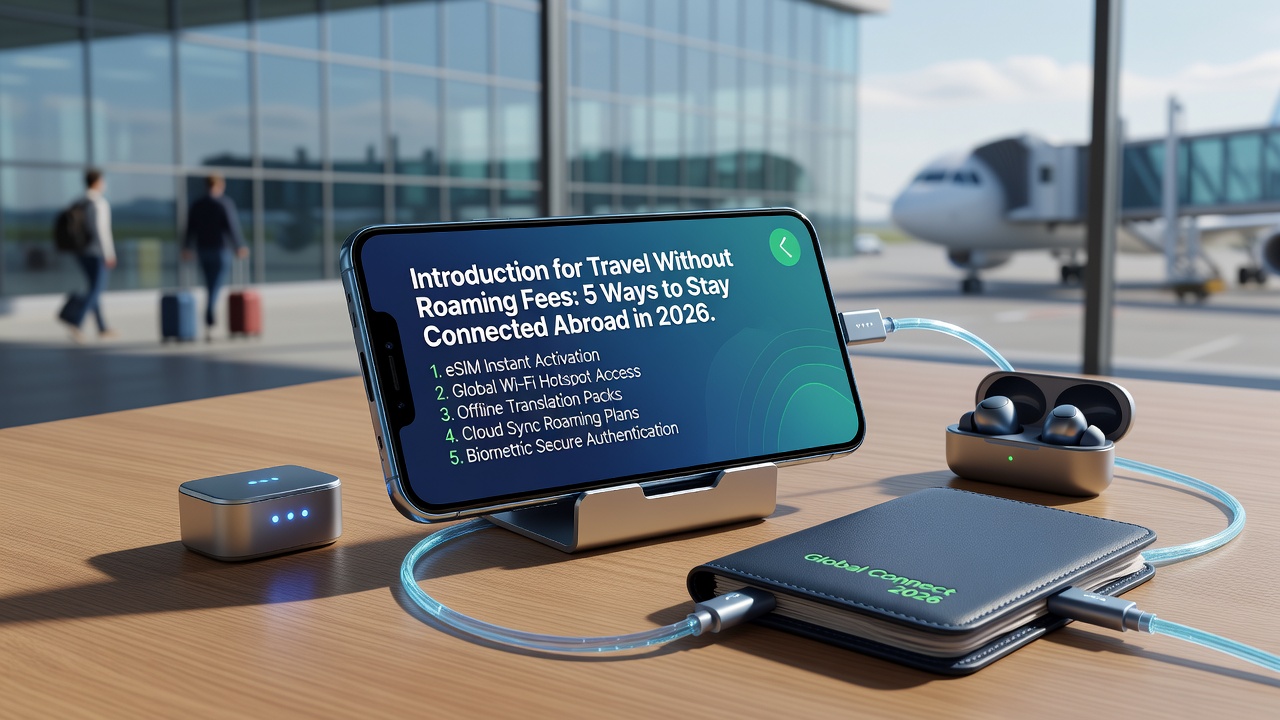
Quick Answer: The best ways to avoid roaming fees abroad in 2026 are: (1) using an eSIM with local data plans, (2) connecting to secure WiFi networks, (3) buying a local SIM card, (4) using offline-capable apps, and (5) carrying a portable WiFi hotspot. eSIM technology offers the most convenience and flexibility.
Introduction
You land in Tokyo, power on your phone, and within minutes—ping—a text arrives: "Welcome to Japan. Data roaming is now active. Current charges: $12/day." Sound familiar?
International roaming fees remain one of travel's most expensive and avoidable traps. In 2026, with connectivity more essential than ever for maps, translation, payments, and boarding passes, going offline isn't a realistic option. But paying $10–$15 per day for your carrier's roaming package? That adds up to $70–$105 on a week-long trip—money better spent on experiences.
The good news: technology has made staying connected abroad dramatically cheaper and simpler. From eSIMs that activate before you land to offline maps that work without any signal, travelers now have real alternatives. This guide breaks down five proven methods to stay online without the sticker shock.

What Are Roaming Fees and Why Are They So Expensive?
Roaming fees are charges your home carrier applies when your phone connects to a foreign network. Your carrier pays that foreign network for usage, then marks up the cost significantly—often 500–1,000% above wholesale rates.
Why so high? Limited competition between carrier partnerships, legacy billing systems, and the convenience of "just working" when you land. Most travelers don't realize they have options until that first bill arrives.
Method 1: Use an eSIM (The Best Option for Most Travelers)
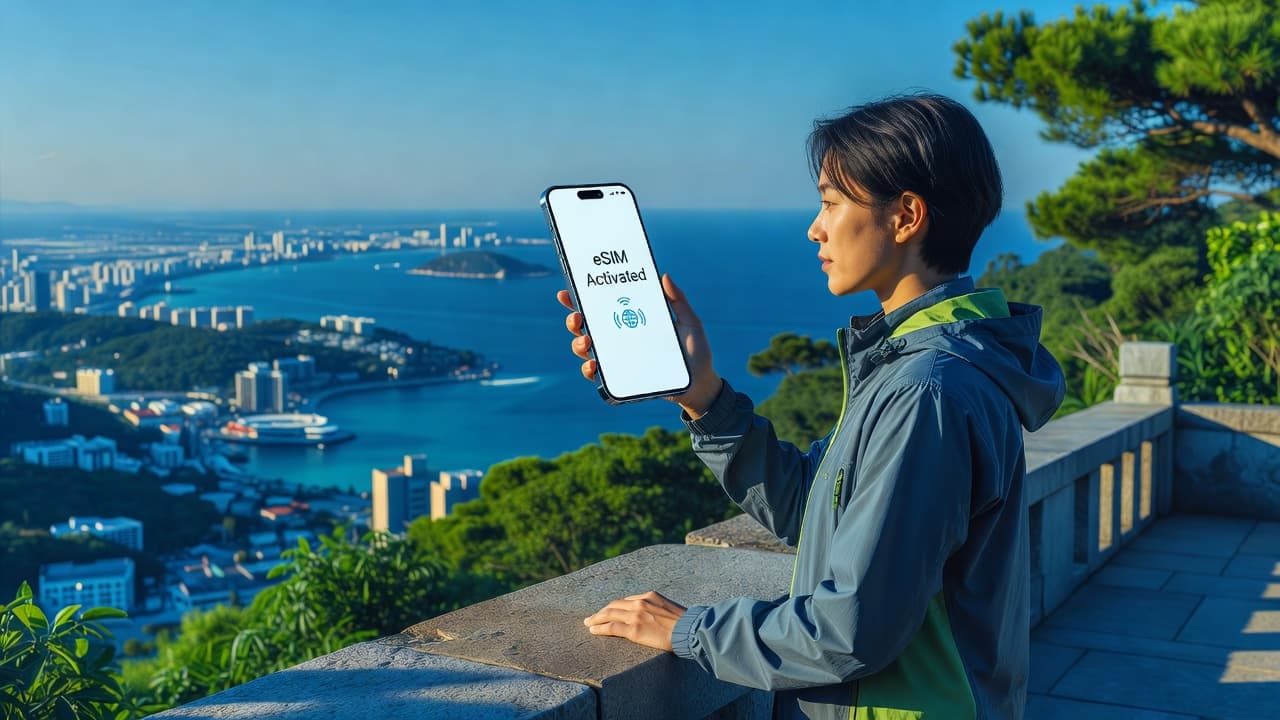
An eSIM (embedded SIM) is a digital SIM built into modern smartphones. Instead of inserting a physical card, you download a carrier profile and activate a local or regional data plan instantly.
Why eSIM Is the Best Choice in 2026
- Instant activation: Download and activate before departure or at the airport
- No physical cards: Nothing to lose, swap, or store
- Dual-SIM flexibility: Keep your home number active for calls/texts while using local data
- Competitive pricing: Regional plans start at $4–$8 for 3GB over 7 days
- Wide availability: Over 190 countries covered by major eSIM providers
In 2026, eSIM adoption has accelerated. Apple's iPhone lineup since the iPhone 14 is eSIM-only in the US, and Android manufacturers including Samsung, Google Pixel, and Xiaomi have made eSIM standard on mid-range and flagship devices. Global eSIM providers like Airalo, Holafly, and Ubigi now offer 5G-compatible plans in most major destinations.
Pro tip: Check your phone's compatibility before purchase. Most phones manufactured after 2020 support eSIM, but budget models and some carrier-locked devices may not. [Internal link: related article on eSIM compatibility checker]
Best for: Short trips, multi-country itineraries, business travelers, and anyone who values convenience.
Method 2: Rely on Free and Secure WiFi
WiFi remains the cheapest way to stay connected—when it's available and safe.
Where to Find Reliable WiFi Abroad
- Airports (often free for 2–4 hours)
- Cafes and restaurant chains (Starbucks, McDonald's, local equivalents)
- Hotels and Airbnb properties
- Public libraries and co-working spaces
- City-wide municipal networks (Barcelona, Seoul, Taipei)
2026 update: Several European cities have expanded free municipal WiFi to cover metro systems and tourist districts. South Korea and Japan continue to lead with widespread, high-speed public networks.
Security Considerations
Public WiFi carries real risks: man-in-the-middle attacks, fake hotspot names, and unencrypted traffic. In 2026, these threats have only increased.
Essential precautions:
- Use a reputable VPN (ProtonVPN, Mullvad, or NordVPN)
- Verify network names with staff—don't connect to "Starbucks_Free" automatically
- Avoid banking or sensitive transactions on public networks
- Enable your phone's automatic hotspot detection settings
Best for: Budget travelers, digital nomads with co-working memberships, and trips with predictable WiFi access (urban stays, business hotels).
Method 3: Buy a Local SIM Card
The old-school approach still works—and in some regions, it's the cheapest option per gigabyte.
How Local SIMs Work
Upon arrival, purchase a prepaid SIM from a carrier kiosk at the airport, convenience store, or city shop. Insert it, follow activation instructions (often via SMS or app), and you're online with a local number and data allowance.
2026 Pricing and Availability
Southeast Asia continues to offer exceptional value: Thai AIS and TrueMove H plans run ฿150–฿300 ($4–$9) for 30-day packages with 50GB+ of data. In Europe, EU roaming rules mean one SIM works across 27 countries, though some budget carriers restrict this—read the fine print.
Challenges in 2026:
- Some countries (China, Russia, parts of the Middle East) require passport registration
- Airport kiosks often charge 30–50% premiums over city shops
- You'll need an unlocked phone and may temporarily lose your home number
- Nano/micro SIM compatibility—most carriers now offer triple-cut cards
Best for: Long-term travelers (1+ months), trips to a single country, and destinations where eSIM coverage is limited or expensive (parts of Africa, remote Pacific islands).
Method 4: Use Offline-Capable Apps
Sometimes the smartest strategy isn't finding a connection—it's not needing one in the first place.
Essential Offline Apps for 2026
- Maps: Google Maps (download areas), Maps.me, Organic Maps
- Translation: Google Translate (download language packs), Microsoft Translator
- Transport: Citymapper (offline in select cities), transit apps with timetables
- Travel guides: Guides by Lonely Planet, Culture Trip (pre-downloaded content)
- Reading and entertainment: Kindle, Spotify (downloaded playlists), Netflix downloads
Pro tip: Download Google Maps offline areas for your entire itinerary before departure. Include a 20% buffer around cities for day trips. [Internal link: related article on best offline travel apps]
Limitations: Real-time updates, messaging, ride-hailing, and mobile payments require connectivity. Offline apps complement other methods—they don't fully replace them.
Best for: Day trips to areas with spotty coverage, budget-conscious travelers, and backup planning when primary connectivity fails.
Method 5: Carry a Portable WiFi Hotspot
Portable hotspots (also called MiFi devices or pocket WiFi) create a personal WiFi network using a local cellular connection. You carry a small device—often smaller than a smartphone—and connect multiple devices to it.
How Portable Hotspots Work in 2026
Rent a device before departure or pick one up at your destination airport. Popular providers include Skyroam (now Solis), TravelWiFi, and local rental services in Japan (Pupuru), South Korea (KT Olleh), and Europe.
Advantages:
- Connect multiple devices (phone, laptop, tablet, travel companion's phone)
- Battery life often exceeds 12 hours on 2026 models
- No SIM swapping or phone compatibility issues
- 5G hotspots are increasingly available in major destinations
Disadvantages:
- Daily rental costs ($6–$12/day) approach roaming package pricing
- Another device to charge and carry
- Return logistics (shipping, airport drop-off)
- Speed depends on local network quality—same as your phone would get
Best for: Families or groups traveling together, remote workers needing laptop connectivity, and travelers with older phones lacking eSIM support.
Comparing the 5 Methods: Which Is Right for You?
| Method | Cost (1 Week) | Convenience | Security | Best For |
|---|---|---|---|---|
| eSIM | $5–$25 | ★★★★★ | ★★★★★ | Most travelers |
| WiFi | Free–$10 (VPN) | ★★★☆☆ | ★★☆☆☆ | Budget travelers |
| Local SIM | $3–$15 | ★★★☆☆ | ★★★★★ | Long stays |
| Offline apps | Free | ★★★★☆ | ★★★★★ | Backup/complement |
| Portable hotspot | $42–$84 | ★★★★☆ | ★★★★★ | Groups/remote work |
Common Mistakes to Avoid
- Assuming your carrier's "international day pass" is cheapest: At $12–$15/day, these often cost more than eSIM plans with better data allowances
- Waiting until arrival to sort connectivity: Airport WiFi can be slow or require SMS verification—awkward if your home SIM doesn't work
- Ignoring phone compatibility: eSIM-only US iPhones may complicate local SIM purchases in countries requiring physical registration
- Using public WiFi without a VPN: The risk is real and growing
- Not checking EU roaming rules: Some "unlimited" EU plans throttle speeds after 10–20GB or restrict tethering
Key Takeaways
- eSIM technology offers the best balance of cost, convenience, and security for most 2026 travelers
- Download offline maps and essential apps before departure as your connectivity backup
- Public WiFi works in a pinch but requires VPN protection
- Local SIMs remain cost-effective for stays longer than 2–3 weeks in one country
- Portable hotspots make sense for groups or remote workers but aren't the cheapest solo option
- Always verify your phone's eSIM compatibility and unlock status before traveling
Frequently Asked Questions
What is an eSIM and how is it different from a regular SIM card?
An eSIM is a digital SIM embedded in your phone. Unlike physical SIM cards, you download carrier profiles over the internet and can store multiple plans simultaneously. It eliminates the need to swap tiny plastic cards when traveling.
Will an eSIM work on any phone?
No. Your phone must support eSIM technology. Most smartphones released after 2020—including iPhone XS and newer, Samsung Galaxy S20+, and Google Pixel 3+—support eSIM. Check your device settings or manufacturer's specifications before purchasing a plan.
Can I use my regular phone number with an eSIM?
Yes, if your phone supports dual SIM. You can keep your physical SIM active for calls and texts while using the eSIM for local data. Your carrier's roaming fees only apply to the physical SIM's data usage.
Is public WiFi safe for banking while traveling?
No—unless you're using a reputable VPN. Public WiFi networks are vulnerable to man-in-the-middle attacks. Save banking, stock trading, and sensitive transactions for secured networks or your cellular data connection.
How much data do I need for a week of travel?
For typical usage—maps, messaging, social media, translation, and light browsing—3–5GB per week is sufficient. Video streaming, video calls, and hotspotting to laptops consume significantly more. Check your current usage as a baseline.
What happens if I run out of eSIM data abroad?
Most eSIM providers allow instant top-ups through their apps. Alternatively, purchase a secondary eSIM plan. Keep your primary plan active for calls/texts while topping up data separately.
Do I need to buy a local SIM at the airport?
Airport kiosks are convenient but typically charge 30–50% more than city shops. If you arrive late or need immediate connectivity, the premium may be worth it. Otherwise, head to a carrier store in the city center.
Can I use a portable hotspot instead of phone data?
Yes, but hotspot rental costs ($6–$12/day) often match or exceed carrier roaming packages. Hotspots work best for groups sharing connectivity or remote workers needing laptop access, not for solo travelers prioritizing cost savings.
What if my destination has poor cellular coverage?
Download offline maps, translation packs, and entertainment before departure. Inform your accommodation of your arrival time, and consider a satellite communicator (Garmin inReach, Zoleo) for remote hiking or sailing adventures.
Are there any countries where eSIM doesn't work?
eSIM coverage spans 190+ countries, but some remote regions (parts of Central Africa, Pacific islands, Antarctica) lack partnerships. Additionally, countries with strict internet controls (China, Iran) may require local SIM registration regardless of eSIM use.
Conclusion
Roaming fees are a travel expense you can almost always eliminate—with a few minutes of preparation. For most travelers in 2026, an eSIM offers the ideal combination of affordability, convenience, and security. Complement it with offline-ready apps, and you'll stay connected without the $100+ surprise on your next phone bill.
Before your next trip, check your phone's eSIM compatibility, compare plans for your destination, and download offline maps. The peace of mind alone is worth it.
Ready to travel smarter? Browse regional eSIM plans for your next destination and activate before you board. [Internal link: related article on best eSIM providers compared]